Change your preferred, add, or delete your MFA methods
Note: The instructions below will usually work only if your MFA method is currently working and in place. If you are having difficulty logging in or authenticating or have received a new phone, please contact the Service Desk at (509) 963-2001, Monday through Friday, 7 a.m. to 5 p.m.
How to change your preferred authentication method
- Visit your security information page.
- Log in using your CWU Username and Password.
- Verify your login using MFA.
- Now, on the security information page, click the Change link to the right of the Default sign-in method.
- Select your preferred method.
- Click Confirm.
How to add an authentication method
- Visit your security information page.
- Log in using your CWU Username and Password.
- Verify your login using MFA.
- Now, click Add sign-in method.
- Select the Choose a method box.
- Click on the method you would like to add.
- Select Add.
- Enter the information prompted.
- Click Next.
- Verify your authentication with your new method.
- Click Done.
How to delete an authentication method
- Visit your security information page.
- Log in using your CWU Username and Password.
- Verify your login using MFA.
- Now, click Delete on the authentication method you want to delete.
- Select OK.
CWU News

Arts and Humanities Month continues to build momentum
October 21, 2026 by David Leder
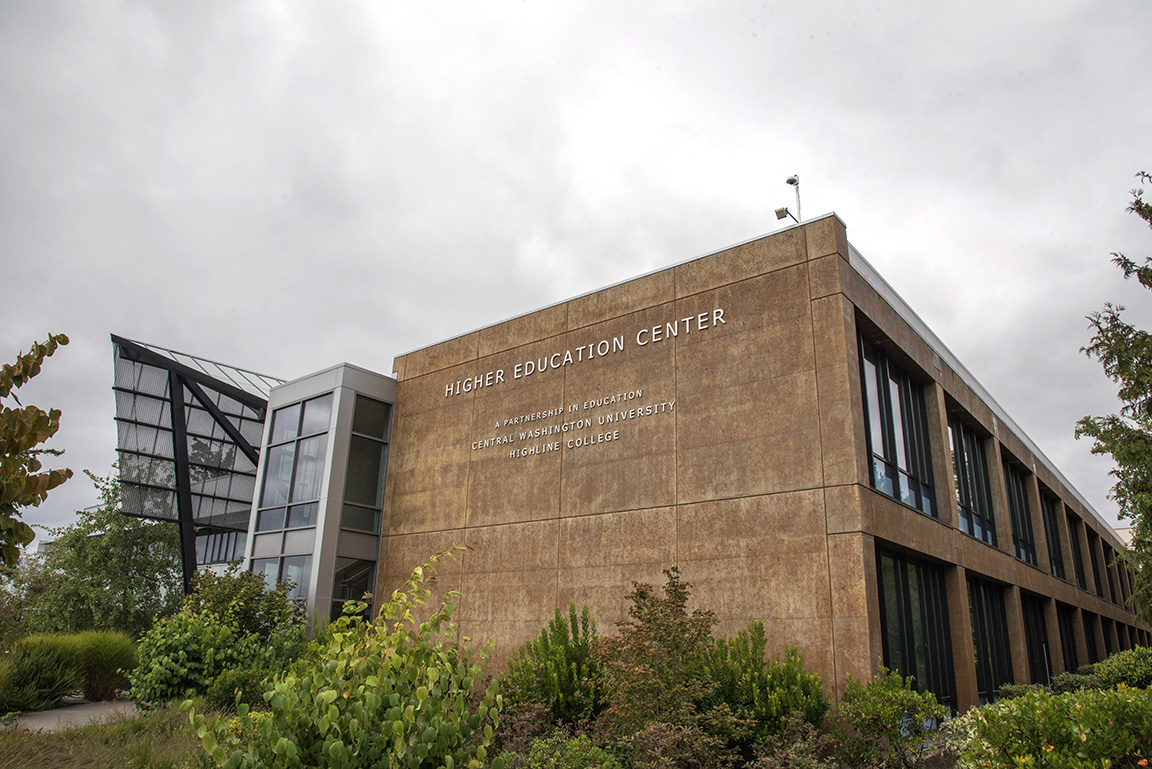
New position at CWU-Des Moines aimed at improving student experiences
October 21, 2026 by David Leder