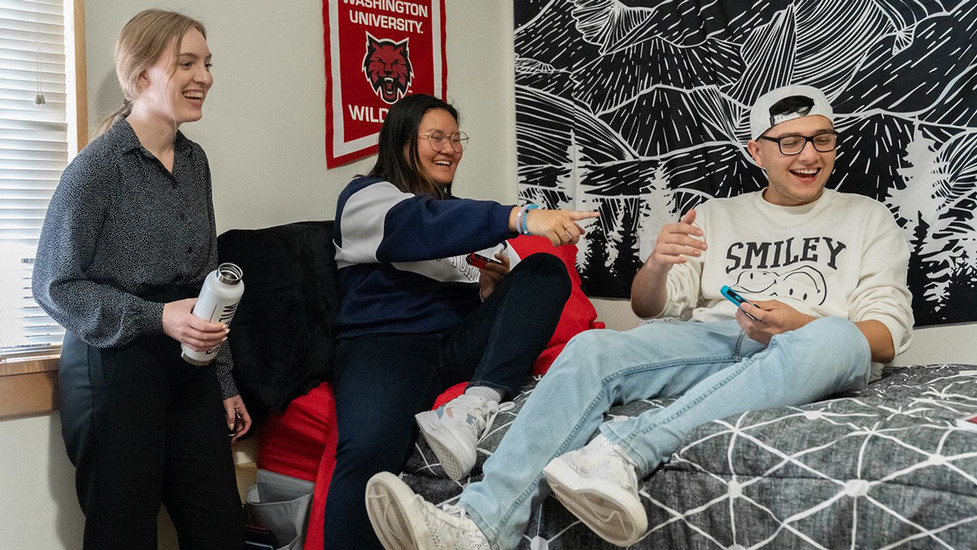
ResNet
Game Console Help
If you are looking to get a specific game console registered please follow the guides for your specific device on our Game Consoles web page.
1.Make sure you have logged in with just your CWU username. For example - Wellington Wildcat would be wildcatc. NOTE: If you encounter "An unexpected error has occurred", attempt logging in again with just your MyCWU username.
2. Make sure you have waited the full 15 minutes.
3. Double check that your device is plugged into the Ethernet jack firmly.
4. Compare the MAC address listed on the device and the number you have registered. If the number does not match, you can log back into the ResNet Registration page. When logged in click on "edit", navigate with the arrows until the MAC address appears in the window and click on "delete". You will need to re-register the device. NOTE: This site is only accessible from Residence Halls on the main CWU Campus.
5. For a refresher on how to find the MAC address return to Game Consoles.
6. Reset the factory setting on your device.
CWU News

Arts and Humanities Month continues to build momentum
October 21, 2026 by David Leder
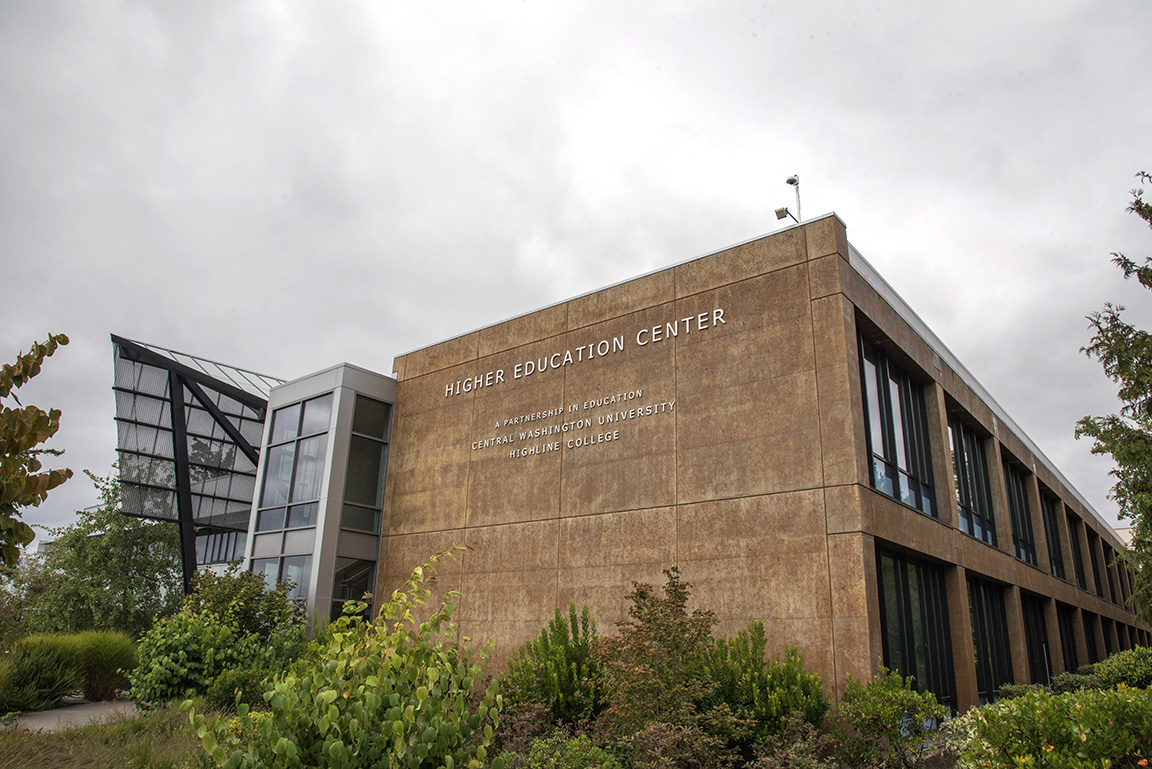
New position at CWU-Des Moines aimed at improving student experiences
October 21, 2026 by David Leder