Computer Support Services
Guest Account Creation
All CWU student lab computers require a username and password to be accessed. To facilitate the use of these computer labs by CWU sponsored groups who do not have current accounts, their CWU sponsor can create individual accounts through MyCWU.
Guest accounts may be created individually, or in large groups. To create an individual account, or group of accounts, the CWU sponsor will sign in to MyCWU with their own current username and password. Once at the MyCWU home page the sponsor will choose Main Menu-->MyCWU Links-->Sponsor Guest Accounts. That link will start the process by taking the sponsor to a second page where the guest account policy can be downloaded from a link below the input fields, and single or bulk account creations can be initiated through links which appear at the bottom of the page.
CWU News

Arts and Humanities Month continues to build momentum
October 21, 2026 by David Leder
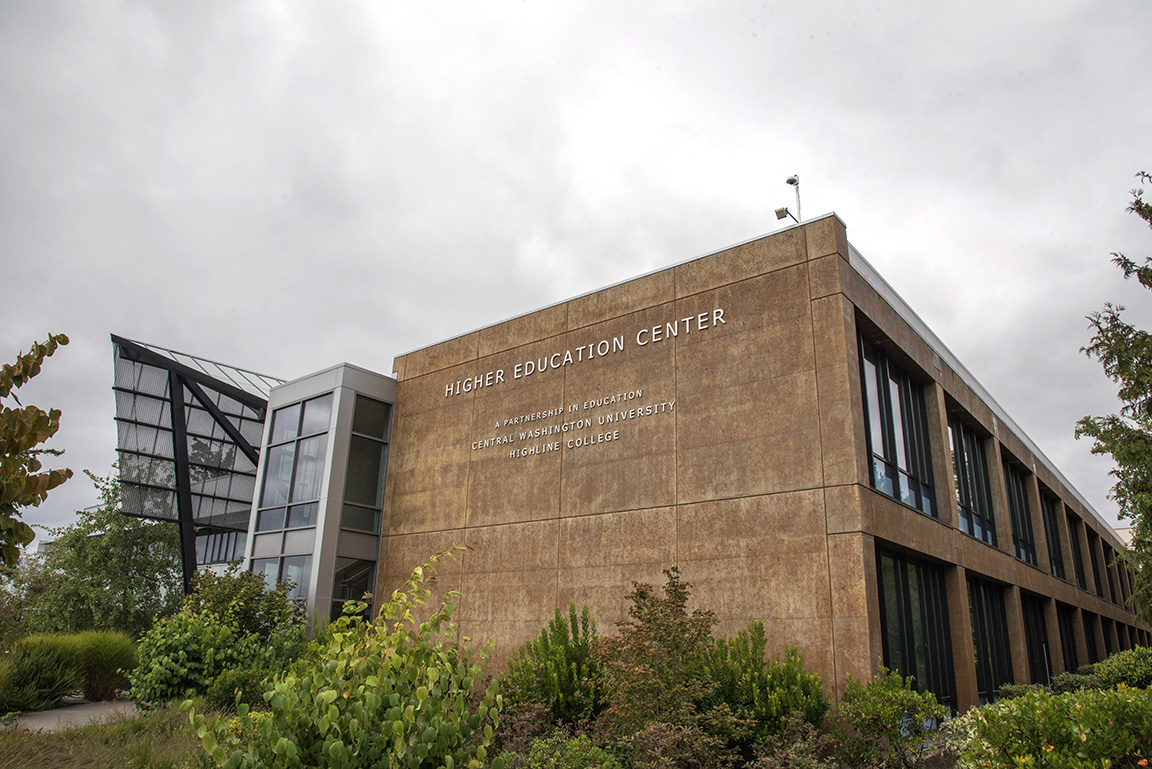
New position at CWU-Des Moines aimed at improving student experiences
October 21, 2026 by David Leder