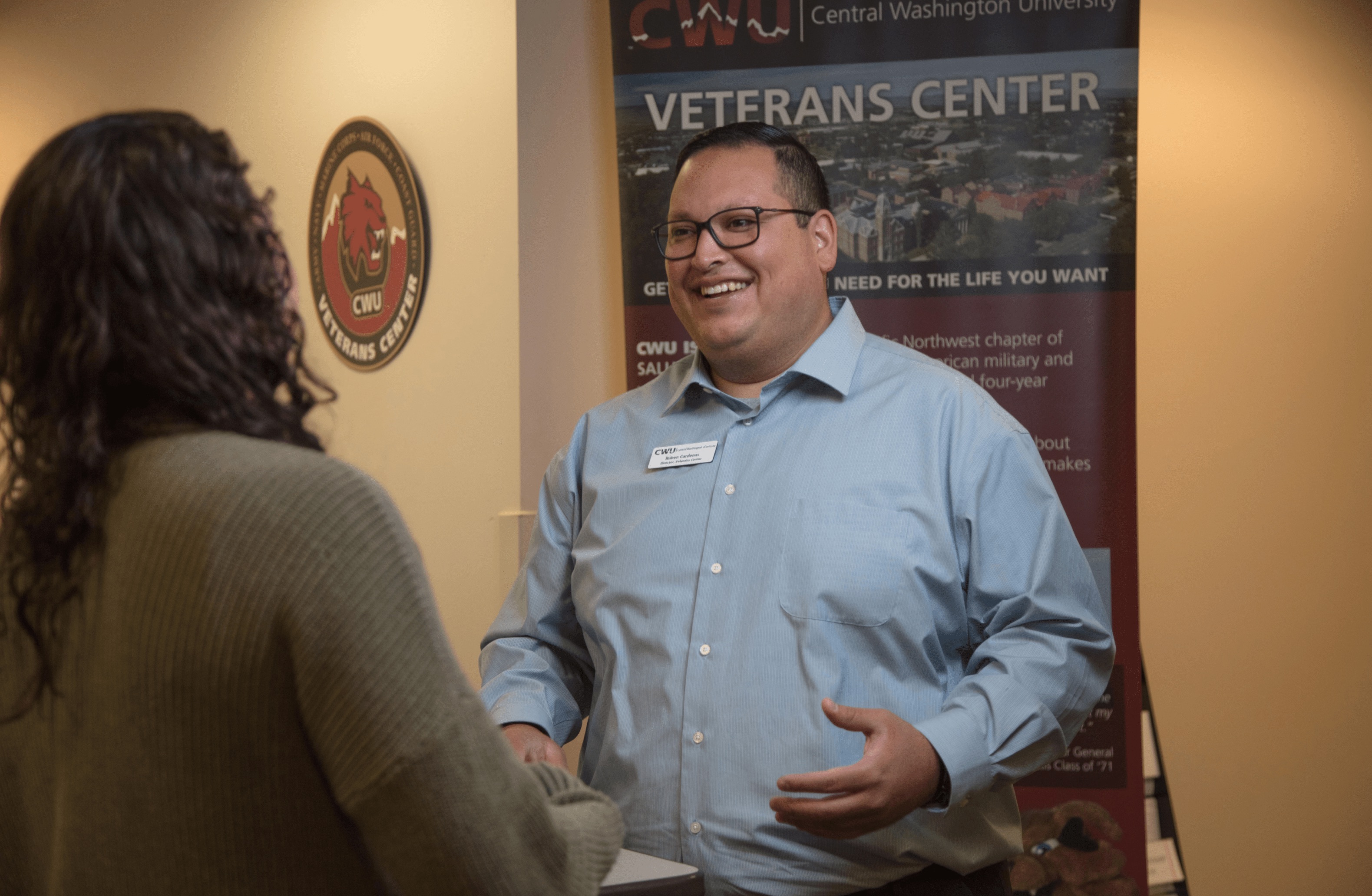
Getting Started
Veteran & Military Connected Student Center Canvas Course
Purpose
The Veteran & Military Connected Student Center uses an online canvas course to collect required documentation needed to certify VA Education Benefits, as well as State and institutional grants and tuition waivers. Students are placed into the Canvas course and are given prompts as to what documents they need to provide, that are specific to the the education benefit they are using.
Download Canvas Instructions (PDF)
Using Canvas
1. Log into Canvas from the CWU homepage.

2. Use your CWU credentials to login.

3. Select the Veteran & Military-Connected Student Center course from the Canvas dashboard.

4. Choose which education benefit you will be using. This will determine what documents you will need to submit through canvas.

5. Go to Modules; each module is a specific document that we will need to collect, based on the specific education benefit you are using.

6. Submit each assignment, once completed, as seen in the screen grab below.

CWU News
Arts and Humanities Month continues to build momentum
October 21, 2026 by David Leder
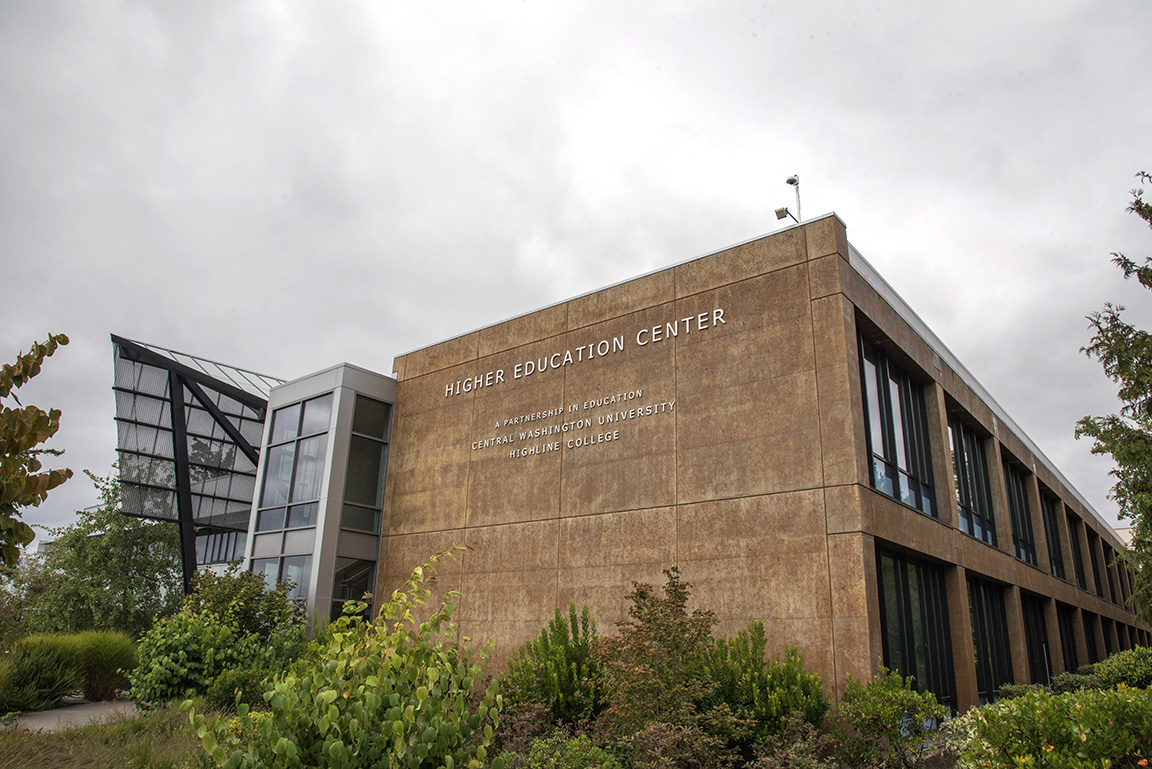
New position at CWU-Des Moines aimed at improving student experiences
October 21, 2026 by David Leder
Contact
Veteran & Military-Connected Student Center
Bouillon Hall, Room 214
8:00 am - 5:00 pm