
Transfer Center
Transfer Planning Resources
Transfer MAPs
Transfer MAPs are key to planning your transfer to a specific major. Use them to find information about possible careers, cost, course and degree planning, and advising. Not all majors are represented in the Transfer MAPs. If you cannot find information about a program you are interested in, please email transfer@cwu.edu for further assistance.
Transfer Explorer
Transfer Explorer is a tool for determine how your prior credits and degree(s) will count towards your anticipated degree at CWU. You can enter the classes you've taken, what degree(s) you have or intend to complete, and your major of interest. This allows you to get a better estimate of your degree progress prior to transfer, and your exploration can be shared with the Transfer Center for further guidance.
Transfer Equivalency Site (TES)
Transfer Equivalency Site (TES) is a way to look up individual course equivalents that you are interested in transferring. For example, if you are deciding between two courses for your next quarter, you can use this to see how they will each transfer. You can add each course to a personal list and export it as a spreadsheet for later reference.
If you cannot find your school or course, it means that there is not yet an existing equivalency. This does not mean that we don’t take credits from your school, or that we won’t transfer your course. It only means that we have not yet added your school or course to the guide.
CWU News

CWU Dining Services Director named to national board
November 9, 2026 by Rune Torgersen
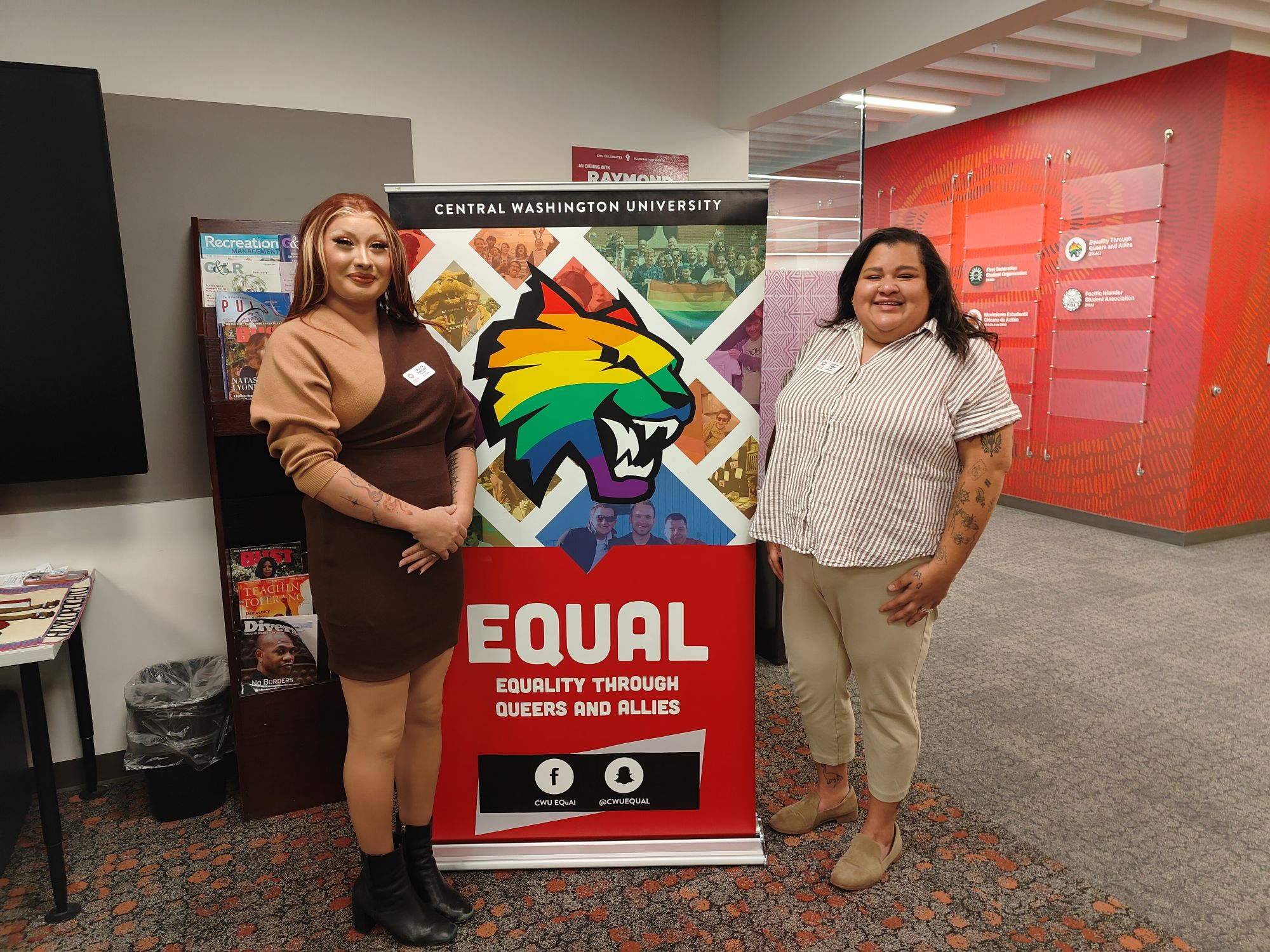
CWU hosts Washington State LGBTQ Commission meeting
November 9, 2026 by Rune Torgersen