
Service Desk
Accounts and Passwords
Reset or Change Wildcat Password
- Use the Wildcat Password Self Service to reset or manage your password or recover your account access.
- For Faculty, Staff, and Students.
- Call the Service Desk at (509) 963-2001 if you have not setup your Password Responses on the Wildcat Password Self Service page.
- NOTE: The process will go faster if you call prepared! Have your CWU ID number/Username ready to go before you call the Service Desk.
For detailed instructions please go to our Knowledge Base article titled: Changing your MyCWU Password.
Password Security
- YOUR password is YOUR responsibility.
- Passwords must be at least 14 characters long. Longer passwords are the most secure.
- Passwords may not contain ANY personal information (name, birthday, etc.), the word "password", or the percent % or bracket [] characters nor the at @ symbol.
- Including symbols and numbers can make passwords harder to guess.
- It is trivial for computers to crack short passwords regardless what characters are used.
- Cybercrime is frequently conducted from ordinary user accounts, don't let yours be one of them.
CWU News

Arts and Humanities Month continues to build momentum
October 21, 2026 by David Leder
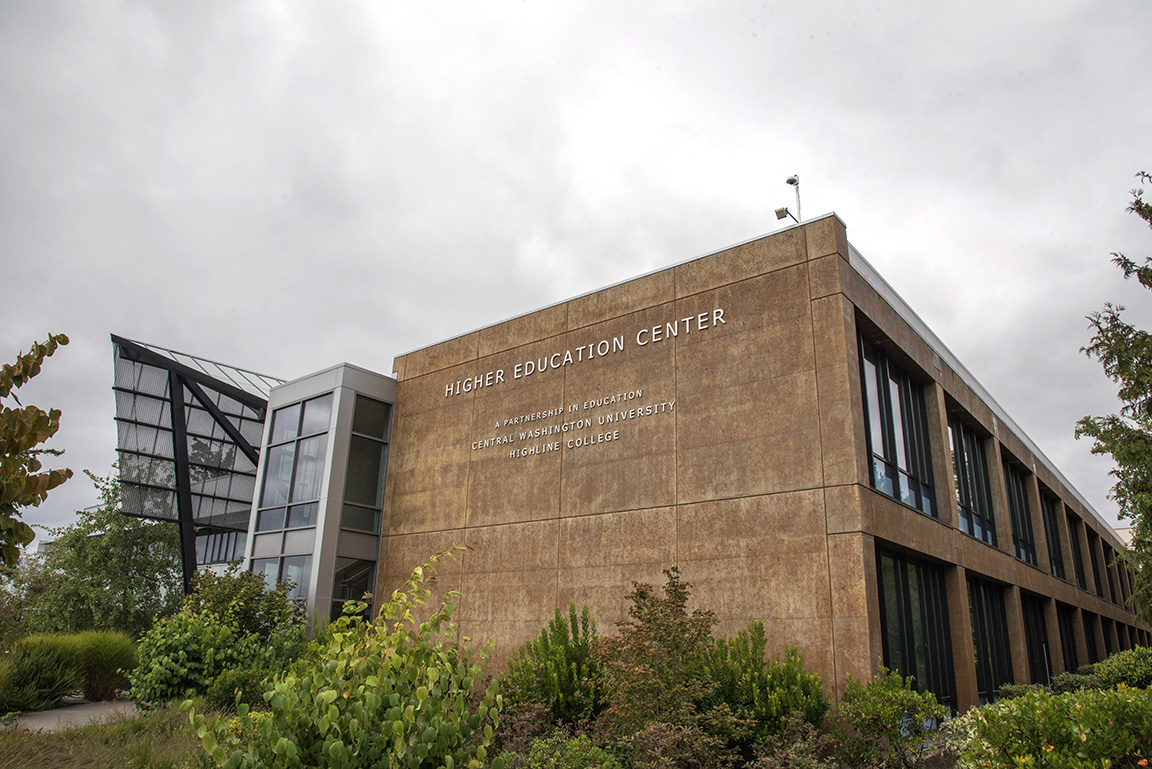
New position at CWU-Des Moines aimed at improving student experiences
October 21, 2026 by David Leder